
How to Fix Padding Issue in the Logo Showcase Widget
When using the Logo Showcase widget, you may notice unwanted padding around the logos. Fortunately, it's easy to fix—this article explains why this padding may occur and how to resolve this issue.
Troubleshooting steps
Review Padding in Widget Settings
Extra space around your widget may be due to padding settings. The widget allows you to adjust the background padding, which may affect its appearance.
To modify these settings, go to the Design tab in the widget editor and open the Background section:

Here, you can adjust the horizontal and vertical padding to control the space around your logos:
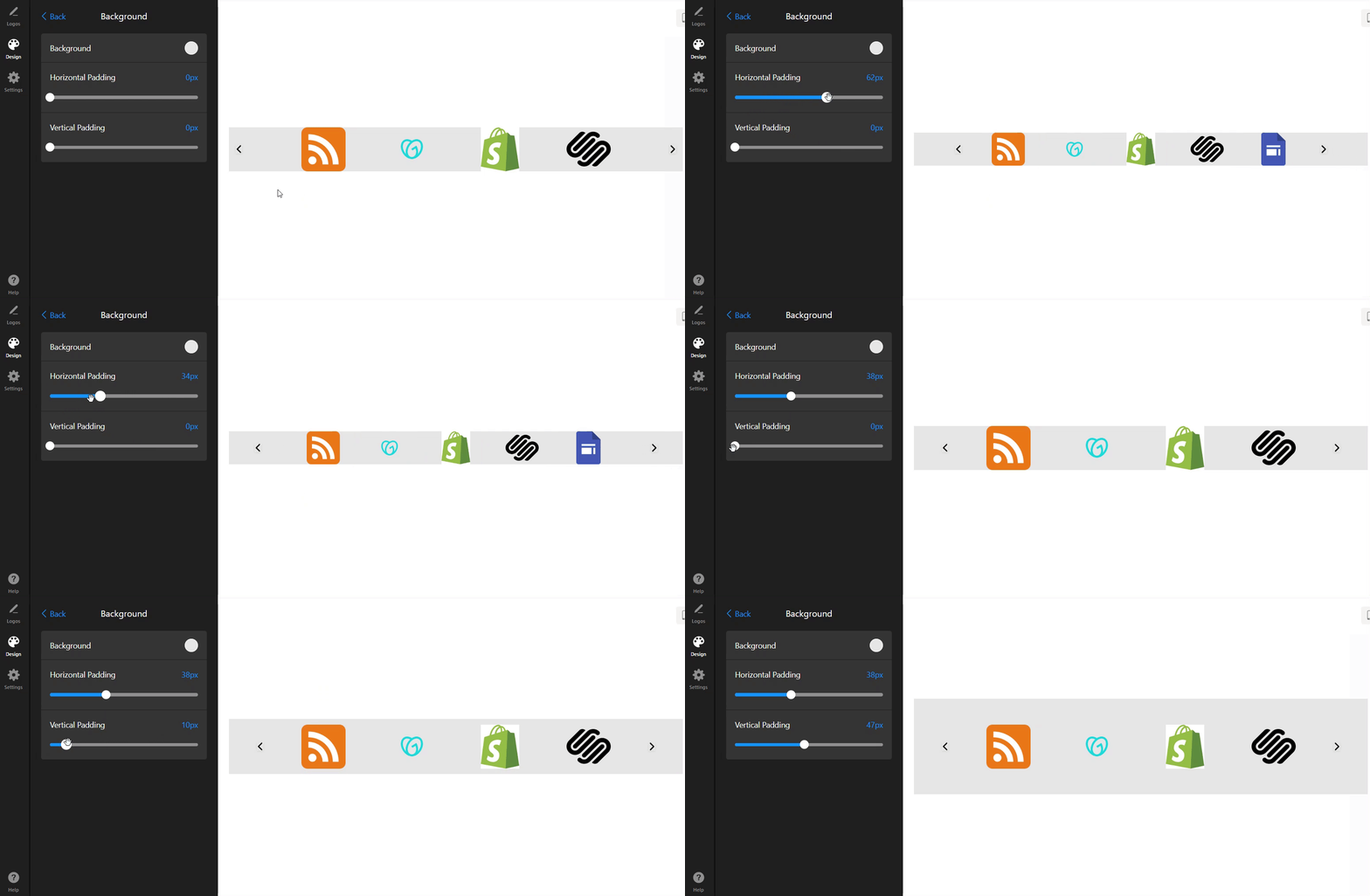
- Horizontal Padding — controls the space on the left and right sides.
- Vertical Padding — controls the space above and below the widget.
Ensure that these values match your layout. If you want to remove the padding entirely, set the values to zero or a minimal amount.
Check Extra Space in Website Editor
Sometimes, extra padding is added by your website builder, leading to unexpected space around your widget. Review your editor's settings to ensure no additional padding or spacing is applied to the container with the widget's code.
For example, in Shopify, there's a separate padding setting for custom elements: 
In our experience, Squarespace users are more likely to face extra padding issues, often caused by the Squarespace Fluid Engine editor. It uses a grid system that may add extra space to improve visual display.
In the Elfsight dashboard, the widget looks correct, but extra space appears on the live Squarespace page. Here's an example of how it may look:

To fix it, you can add special CSS to your widget settings or reinstall the widget through the Squarespace Classic Editor.
If the above solutions don't resolve the issue, or if you’re using a different website builder, the issue may be related to unique site styles or the theme you're using.
In this case, please contact our Support Team and share the URL of the page with the issue. Our developers will be happy to assist you and ensure that your logos appear exactly as you want them to. 💫